
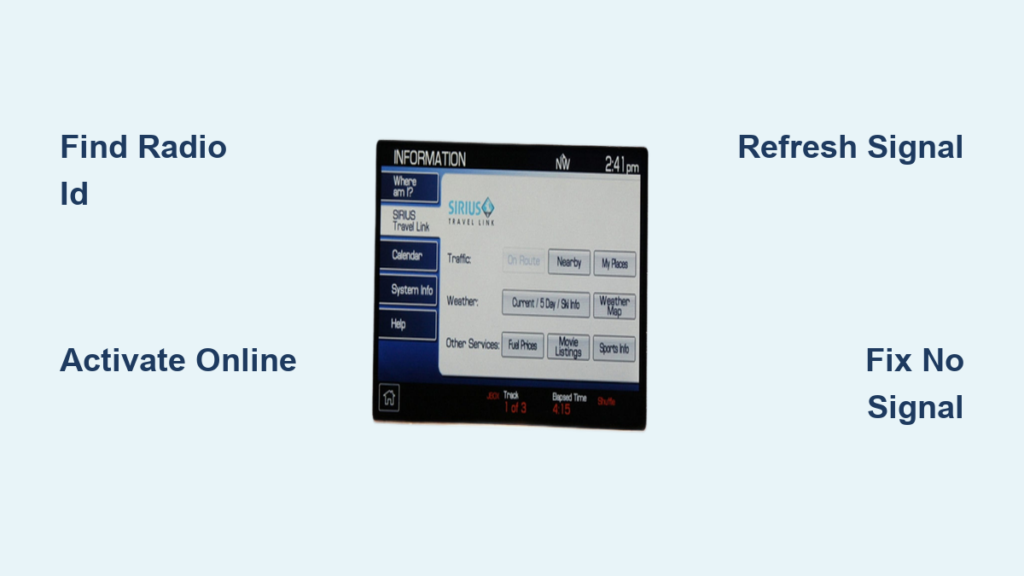
You’re cruising down the highway, low on fuel, and spot two gas stations just a mile apart. One charges $4.50 per gallon while the other offers $3.29—but you had no way of knowing. This happens to drivers daily, wasting hundreds of dollars yearly. SiriusXM Travel Link solves this problem by delivering real-time fuel prices, weather updates, sports scores, and movie times directly to your dashboard. Learning how to activate Sirius travel link takes just minutes but delivers immediate savings on every trip. Whether you have a free trial from a new car purchase or need to start a subscription, this guide covers every activation method and troubleshooting tip you’ll need.
Most drivers waste money at the pump simply because they lack real-time pricing data. With Travel Link active, your car becomes a travel intelligence hub—showing exact fuel prices within 25 miles, severe weather alerts before they disrupt your trip, and live sports scores during commutes. The best part? Activation works whether your vehicle is brand new or several years old, as long as it meets basic compatibility requirements. By the time you finish this guide, you’ll know exactly how to activate Sirius travel link through your car’s touchscreen, online portal, or phone—and fix any issues that might pop up.
Confirm Your Car Actually Supports Travel Link

Before attempting activation, verify your vehicle has the required hardware—this saves hours of frustration. Travel Link requires a factory-installed SiriusXM satellite radio with data capabilities, typically found in vehicles from 2009 onward. Start your engine and check your infotainment system: if you see “SiriusXM” in the main menu followed by channel numbers, you likely have compatible hardware. The definitive test? Tune to channel 0 (zero). If an 8-character Radio ID appears immediately, your system supports Travel Link.
Critical Compatibility Checks You Can’t Skip
– Your vehicle must have an integrated navigation system
– Touchscreen or instrument cluster display must show data services
– Southern Canada coverage requires specific satellite receivers
– Vehicles with aftermarket radios won’t support Travel Link
What to Do When Compatibility Is Uncertain
Pull your owner’s manual and search for “SiriusXM Travel Link” or “data services.” Newer Ford models list it under SYNC 3 features, while GM vehicles reference it in MyLink documentation. Still unsure? Call your dealership’s service department with your VIN—they’ll confirm compatibility in under two minutes. Never attempt activation if your car lacks the necessary hardware; you’ll hit dead ends at every step.
Locate Your Radio ID Before Starting Activation

Every activation method requires your unique 8-character Radio ID (also called ESN or SID). Missing this code is the #1 reason activation fails. Here’s how to find it in under 30 seconds:
Fastest Method: Channel Zero
1. Turn on your vehicle’s ignition (no need to start engine)
2. Activate SiriusXM radio
3. Tune to channel 0 using touchscreen or steering wheel controls
4. Your Radio ID appears instantly—write it down or take a photo
Alternative Methods When Channel Zero Fails
– Infotainment Settings: Navigate Settings > System Info > Radio ID
– Physical Sticker: Check inside glove compartment for SiriusXM label
– Owner’s Manual: Look in satellite radio section for ID location
Pro Tip: Radio IDs often mix up 0 (zero) and O (letter). Triple-check your code before entering it during activation. If you see “Invalid ID” errors later, this is almost always the culprit.
Activate Travel Link Through Your Car’s Touchscreen
This in-vehicle method works for 80% of compatible vehicles and takes just 3-5 minutes from start to finish.
Step-by-Step Activation Process
1. Start your vehicle—keep it running with parking brake engaged
2. Press Menu or Apps on your infotainment screen
3. Select “SiriusXM” or “Satellite Radio” from the menu
4. Choose “Travel Link” or “Data Services” option (may be under Settings)
5. Enter activation code if prompted (check your email/text for this)
6. Confirm package selection on-screen—start with basic $3.99/month plan
7. Wait 2-5 minutes while system connects to satellite
What Success Looks Like
Your screen should display “Activating…” followed by “Service Active.” Immediately test it: say “Show fuel prices” or tap the Travel Link icon. If nothing appears after 5 minutes, drive to an open area away from buildings and restart the process—satellite signals get blocked by urban canyons.
Critical Mistakes That Cause Failure
– Attempting activation in underground parking (move to street level)
– Using incorrect Radio ID with 0/O confusion
– Skipping the 5-minute satellite handshake period
– Not having active SiriusXM radio subscription (required prerequisite)
Complete Online Activation in 7 Minutes Flat
Online activation gives you package comparison options and avoids in-car menu frustrations.
Streamlined Web Setup Process
1. Go to siriusxm.com/travellink on your phone or computer
2. Sign in to your SiriusXM account (create free account if needed)
3. Enter Radio ID exactly as shown on channel 0
4. Select your package—Travel Link only costs $3.99/month
5. Add payment method (credit card or PayPal)
6. Click “Activate” and wait for confirmation email
7. Refresh signal by visiting siriusxm.com/refresh and entering Radio ID
Which Package Should You Choose?
– Budget Option: $3.99/month for fuel prices, weather, movies, sports
– Best Value: $5.99/month add-on if you already have SiriusXM All Access
– Avoid Overpaying: Skip bundled packages unless you need extra features
Signal Refresh Is Mandatory After Online Activation
Unlike in-car activation, online setup requires manual signal refresh. After payment confirmation, return to your vehicle, turn on the ignition, and either:
– Wait 15 minutes with radio playing channel 1
– Visit siriusxm.com/refresh and submit Radio ID
– Call 1-855-796-3987 and request immediate refresh
Fix These 4 Common Activation Failures Immediately
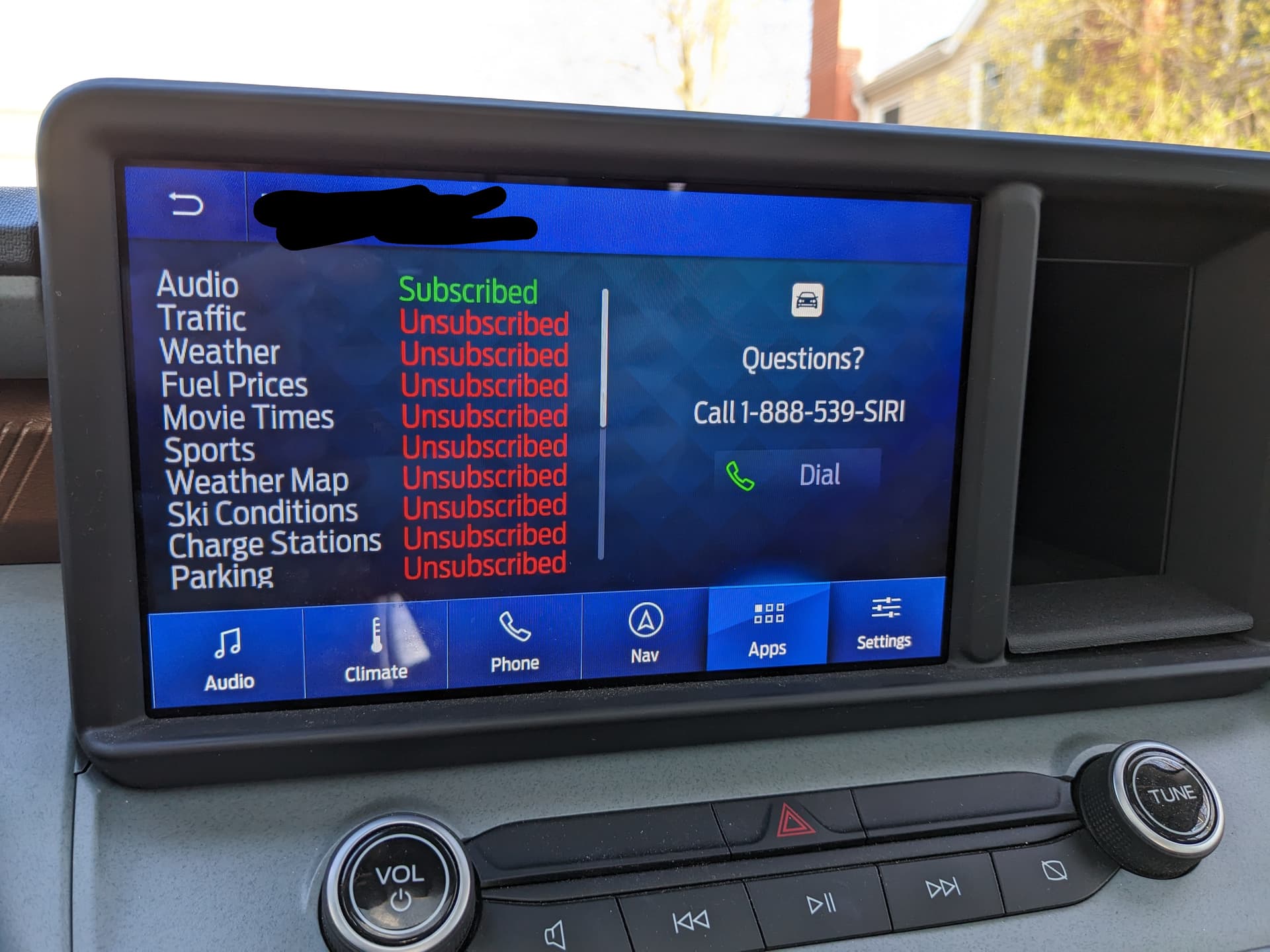
Even perfect setups hit snags. Here’s how to resolve the most frequent issues within minutes.
“No Signal” Error After Successful Activation
– Immediate Fix: Drive to open parking lot away from buildings
– Wait Time: Allow 15 full minutes for satellite handshake
– Check Obstructions: Remove roof racks or metal window tint that blocks signal
– Last Resort: Restart vehicle and repeat activation process
“Invalid Radio ID” During Online Setup
– Verify Character Confusion: 0 (zero) vs O, 5 vs S
– Recheck Source: Tune back to channel 0 for current ID
– Alternative Location: Find ID in glove compartment sticker
– Contact Support: Call 1-855-796-3987 with vehicle VIN
Grayed-Out Features After Activation
– Package Mismatch: Confirm your subscription includes that feature
– Software Update Needed: Visit dealer for infotainment system update
– Geographic Limitation: Some features only work in certain regions
– Signal Refresh Required: Complete siriusxm.com/refresh process
Proven Signal Refresh Methods
| Method | Speed | Success Rate | Best For |
|——–|——-|————–|———-|
| Online refresh | 2 minutes | 95% | Most users |
| Phone refresh (1-855-796-3987) | 5 minutes | 90% | Complex issues |
| In-car refresh (3 reboots) | 10 minutes | 70% | Older vehicles |
Customize Travel Link to Save Maximum Money
Once activated, personalize settings to deliver exactly what you need—especially fuel price filters.
Fuel Price Optimization Settings
– Radius Adjustment: Set to 25 miles to find cheapest gas in metro areas
– Brand Filtering: Prioritize stations with your rewards program
– Fuel Type Selection: Hide diesel if you don’t need it
– Home/Work Locations: Save both for instant pricing on daily routes
Weather Alert Configuration
– Enable tornado/flood warnings for your exact ZIP code
– Set units to Fahrenheit/mph for US drivers
– Save vacation spots for weekend trip planning
– Choose 15-minute update frequency during storm season
Sports Setup That Actually Helps
– Select only your 3 favorite teams to avoid clutter
– Enable score alerts only during game hours
– Hide leagues you don’t follow (NHL if you prefer NFL)
– Set commute-time score updates for morning/evening drives
Master These 3 Hidden Travel Link Features
Most users never discover these time-saving tricks that maximize your subscription value.
Fuel Price History Analysis
Long-press any gas station icon for 2 seconds to see 30-day price trends. This reveals which stations consistently offer the lowest prices in your area—some chains fluctuate daily while others maintain stable pricing. Bookmark these as favorites for one-tap access.
Weather Radar Swipe Navigation
On the weather screen, swipe right to access live radar maps showing precipitation movement. Swipe up for extended 10-day forecasts. Critical for planning weekend trips—see if that rain front will clear before your Saturday hike.
Theater Amenity Shortcuts
Tap any movie theater name to see parking details, food options, and premium seating availability. Avoid arriving at sold-out shows by checking real-time seat availability before leaving home.
Manage Your Subscription Without Hassle
Keep your service active while avoiding surprise charges with these management tips.
Renewal Process Simplified
– You’ll get email alerts 30, 15, and 7 days before renewal
– No action needed if keeping service—auto-renews with same payment method
– To cancel, log in to siriusxm.com 3+ days before renewal date
– Annual plans save 15% but require manual renewal management
Package Changes Made Easy
– Upgrade anytime with prorated billing (no wasted money)
– Downgrade takes effect next billing cycle—no interruption
– Add enhanced features like ski reports through account portal
– Transfer service when selling car—new owner continues subscription
Cancellation That Actually Works
1. Log in to siriusxm.com
2. Go to Account > Subscriptions
3. Select “Travel Link” and click “Cancel”
4. Confirm cancellation 3+ days before renewal date
5. Service continues until billing cycle ends—no abrupt cutoff
Your Road to Smarter Driving Starts Now
With SiriusXM Travel Link active, you’ll never overpay for gas again—those $3.29 stations will become your new regular stops. Spend five minutes now setting fuel price radius to 25 miles and saving your commute routes. Within days, you’ll recover the $3.99 monthly fee through smarter fuel choices alone. Remember to refresh your signal monthly by visiting siriusxm.com/refresh for uninterrupted service. Hit the road with confidence knowing weather alerts, sports scores, and movie times are always one tap away. Your dashboard just became the ultimate travel assistant—use it daily to transform every drive from routine to remarkable.