
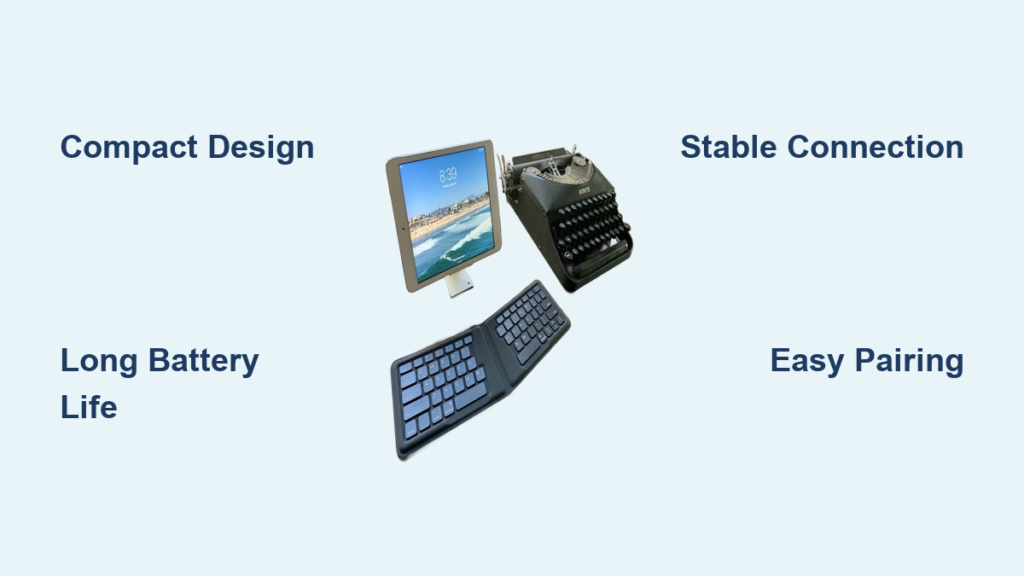
You’re sitting in a cramped airplane seat or a bustling coffee shop, trying to get work done on your tablet or smartphone. The on-screen keyboard feels awkward, and you’re making constant typos that slow you down. This frustrating scenario is exactly why travel Bluetooth keyboards have become essential tools for mobile professionals, students, and digital nomads who need reliable typing experiences away from their desks.
Without a proper keyboard, productivity plummets when working on mobile devices. A quality travel Bluetooth keyboard bridges this gap, transforming your tablet into a laptop-like workstation wherever you happen to be. In this guide, you’ll discover what makes a Bluetooth keyboard truly travel-friendly, how to evaluate your options, and practical tips for getting the most from your portable typing companion.
Why Standard Keyboards Fail for Mobile Work
The Portability Problem with Regular Keyboards
Most traditional keyboards simply weren’t designed for life on the move. Their bulk and rigidity make them impractical additions to your already overstuffed travel bag. When space and weight matter, carrying a standard keyboard often means sacrificing other essentials or dealing with unnecessary strain on your shoulders.
Tablet Typing Experience Limitations
Typing extensive documents on a tablet’s virtual keyboard leads to fatigue and errors. The lack of tactile feedback means you’re constantly looking at the screen rather than your work, disrupting your writing flow. Without physical keys to guide your fingers, even proficient touch typists see their speed and accuracy drop significantly.
Essential Features of a True Travel Bluetooth Keyboard

Compact Design That Fits Your Lifestyle
The best travel keyboards balance size with usability. Some fold completely flat, while others feature clever collapsible designs that tuck neatly into laptop sleeves. Look for models that don’t exceed the dimensions of a standard smartphone when folded—approximately 6-7 inches long and 3-4 inches wide—so they slip easily into any bag compartment.
Battery Life That Keeps Up With Your Trips
Travel keyboards should last weeks or months on a single charge. Models with USB-C charging offer the most convenience since you can use the same cable for multiple devices. Avoid keyboards requiring proprietary chargers that add extra bulk to your travel kit. A quality travel keyboard typically provides 100+ hours of continuous use between charges.
What to Look For: Connectivity Range and Stability
How Far Can You Really Move From Your Device?
The Bluetooth specification claims 30 feet of range, but real-world performance varies. Test keyboards in environments similar to where you’ll use them—airports and coffee shops often have significant wireless interference. Premium travel keyboards maintain stable connections at 15-20 feet even in crowded spaces, while budget options might struggle beyond 10 feet.
Multiple Device Pairing Capabilities
Frequent travelers often switch between devices throughout the day. Keyboards supporting Bluetooth 5.0 or higher typically allow pairing with 3-4 devices simultaneously, letting you toggle between your phone, tablet, and laptop with a simple key combination. This seamless switching prevents the frustrating pairing process every time you change devices.
Setting Up Your Travel Keyboard Properly
First-Time Pairing Without Headaches
- Power on your keyboard using the dedicated switch (usually on the side or back)
- Press and hold the Bluetooth pairing button until the indicator light starts flashing
- On your device, go to Bluetooth settings and select the keyboard from available devices
- If prompted, enter the displayed code using your device’s on-screen keyboard
- Test functionality by typing in a notes application before relying on it for important work
Troubleshooting Common Connection Issues
Keyboard won’t appear in device list? Try resetting the keyboard by holding the pairing button for 10 seconds. Random key repeats or delays? Move closer to your device and ensure no large metal objects are between them. Keys typing wrong characters? Check that your device’s keyboard language settings match the physical layout of your travel keyboard.
Maximizing Your Travel Keyboard’s Lifespan
Cleaning Techniques for On-the-Go Maintenance
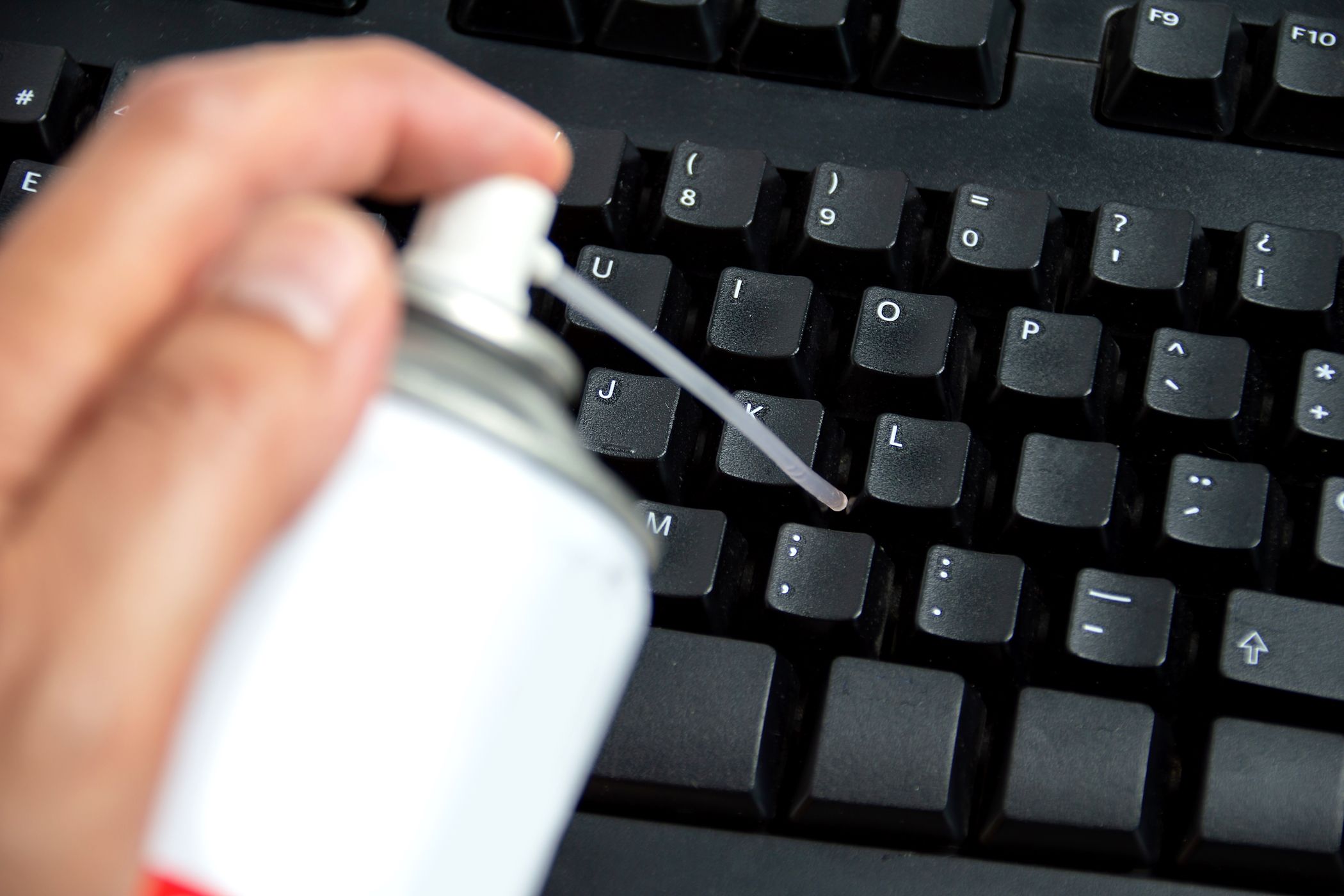
Dust and crumbs accumulate quickly in keyboard crevices during travel. Carry a small can of compressed air to blast debris from between keys. For sticky residue, slightly dampen a cotton swab with isopropyl alcohol and gently clean affected keys. Never spray liquids directly onto the keyboard—always apply to your cleaning tool first.
Storage Solutions That Prevent Damage
Store your keyboard in a dedicated padded compartment, not loose at the bottom of your bag where it can get crushed. Some travel keyboards come with protective cases that double as stands for your tablet. If yours didn’t, consider a slim neoprene sleeve that provides cushioning without adding significant bulk.
Travel Keyboard Use Cases You Haven’t Considered
Beyond Laptops and Tablets: Unexpected Compatibility
Modern travel keyboards often work with smart TVs, gaming consoles, and even some advanced point-of-sale systems. Before your next trip, test your keyboard with your hotel room’s smart TV—it might make navigating streaming services much easier than the provided remote.
Creating an Impromptu Office Setup
Position your tablet vertically in a stand or against a wall, then place your keyboard on your lap or a small table. This ergonomic setup reduces neck strain compared to looking down at a flat tablet. For extended work sessions, look for keyboards with slight negative tilt that promotes a more natural wrist position.
Battery Management Strategies for Long Trips
When to Charge and When to Conserve
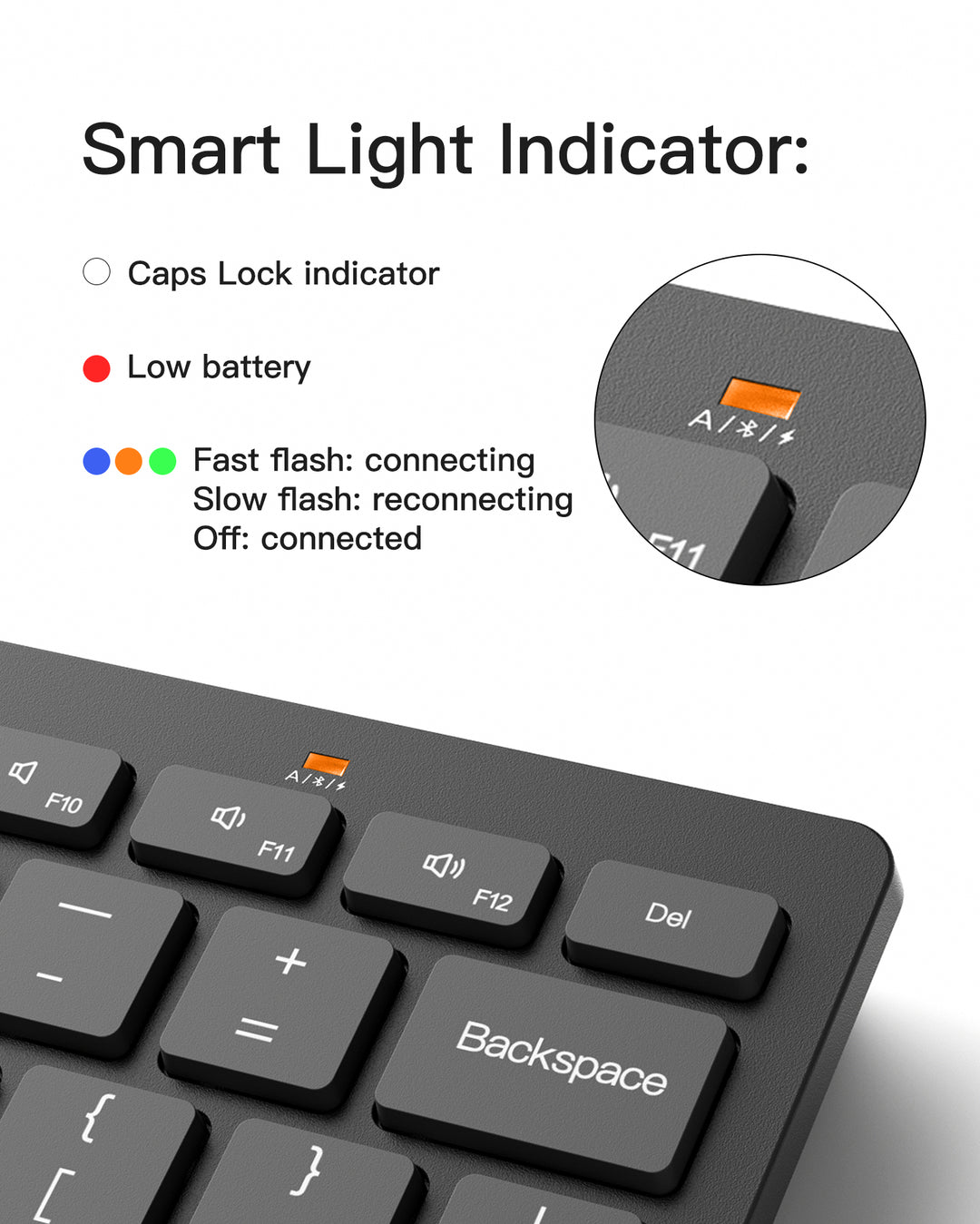
Most travel keyboards provide battery indicators through LED lights or on-screen notifications. Develop the habit of charging your keyboard when it reaches 25% remaining—this prevents complete discharge which can damage lithium batteries over time. For trips longer than two weeks, consider models with replaceable batteries rather than built-in ones.
Power-Saving Techniques You Should Implement
Turn off your keyboard when not in use for more than 15 minutes. Many models automatically enter sleep mode after inactivity, but manually powering down ensures maximum battery preservation. If your keyboard has backlighting, disable this feature unless absolutely necessary, as it dramatically reduces battery life.
Choosing the Right Keyboard for Your Specific Needs

Evaluating Key Feel and Responsiveness
The best travel keyboards provide at least 1.5mm of key travel—the distance keys move when pressed. Less than this feels mushy and increases typing errors. Test keyboards in-store if possible, focusing on how the spacebar and shift keys feel, as these are used frequently and often poorly implemented on compact designs.
Size Considerations Based on Your Primary Device
Match your keyboard size to your most-used device. If you primarily work on a 10-inch tablet, a full-size keyboard might be too large. For 8-9 inch tablets, look for compact models around 10 inches wide. Many manufacturers offer keyboard versions specifically designed for certain tablet models—these often provide perfect alignment and dedicated function keys.
Final Note: A quality travel Bluetooth keyboard transforms mobile devices from consumption tools into genuine productivity machines. By selecting a model that balances portability with functionality and maintaining it properly, you’ll enjoy faster typing, reduced fatigue, and more productive work sessions anywhere in the world. Before your next trip, evaluate your current mobile workflow and consider whether a dedicated travel keyboard might be the missing element that takes your on-the-go productivity to the next level. Remember to prioritize battery life, reliable connectivity, and comfortable key action over flashy features that might compromise the core typing experience.