
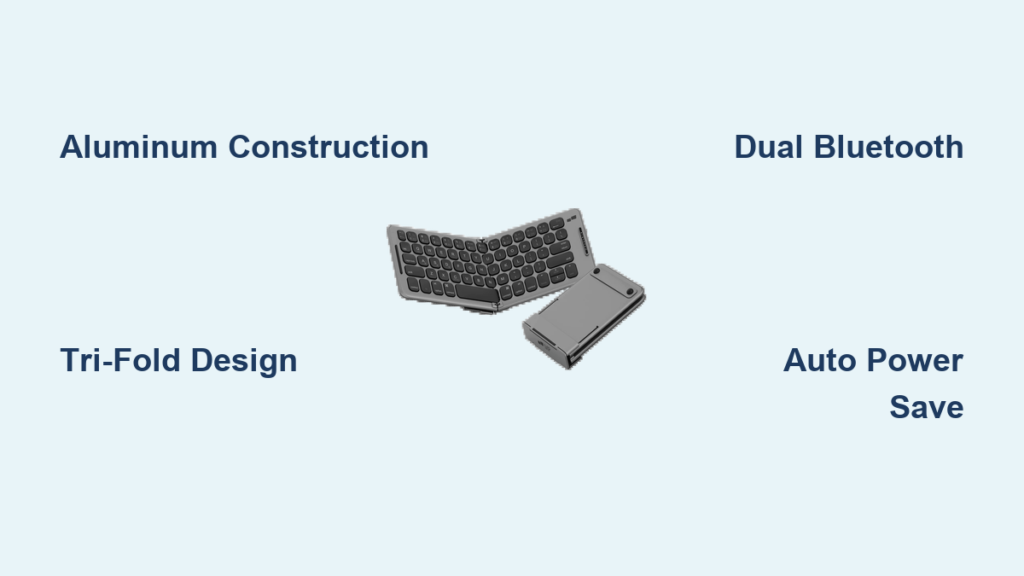
Typing lengthy emails, reports, or essays on a smartphone or tablet screen feels like trying to write a novel with chopsticks—possible but painfully slow and frustrating. Virtual keyboards consume half your screen while offering zero tactile feedback, forcing even experienced typists into hunt-and-peck mode that destroys productivity. A foldable travel keyboard solves this exact problem by delivering nearly full-size typing capability in a device that folds down to pocket dimensions. Business travelers, students, and content creators who need serious text input on mobile devices no longer have to choose between portability and typing efficiency. This guide reveals exactly how these compact marvels work and which features actually matter when selecting your perfect portable typing solution.
The frustration of mobile typing isn’t just subjective—studies show typing speed drops by 30-40% on virtual keyboards compared to physical ones, with error rates doubling during extended sessions. For professionals who regularly compose documents away from their desks, this productivity drain accumulates to hours lost each week. Foldable travel keyboards bridge this gap by preserving the key spacing and layout you’ve spent years mastering, while collapsing into a form factor that adds negligible bulk to your daily carry. Understanding what separates a genuinely useful foldable keyboard from a disappointing purchase requires examining construction, connectivity, and real-world typing performance—exactly what this guide delivers.
Why Aluminum Alloy Construction Beats Plastic in Foldable Keyboards
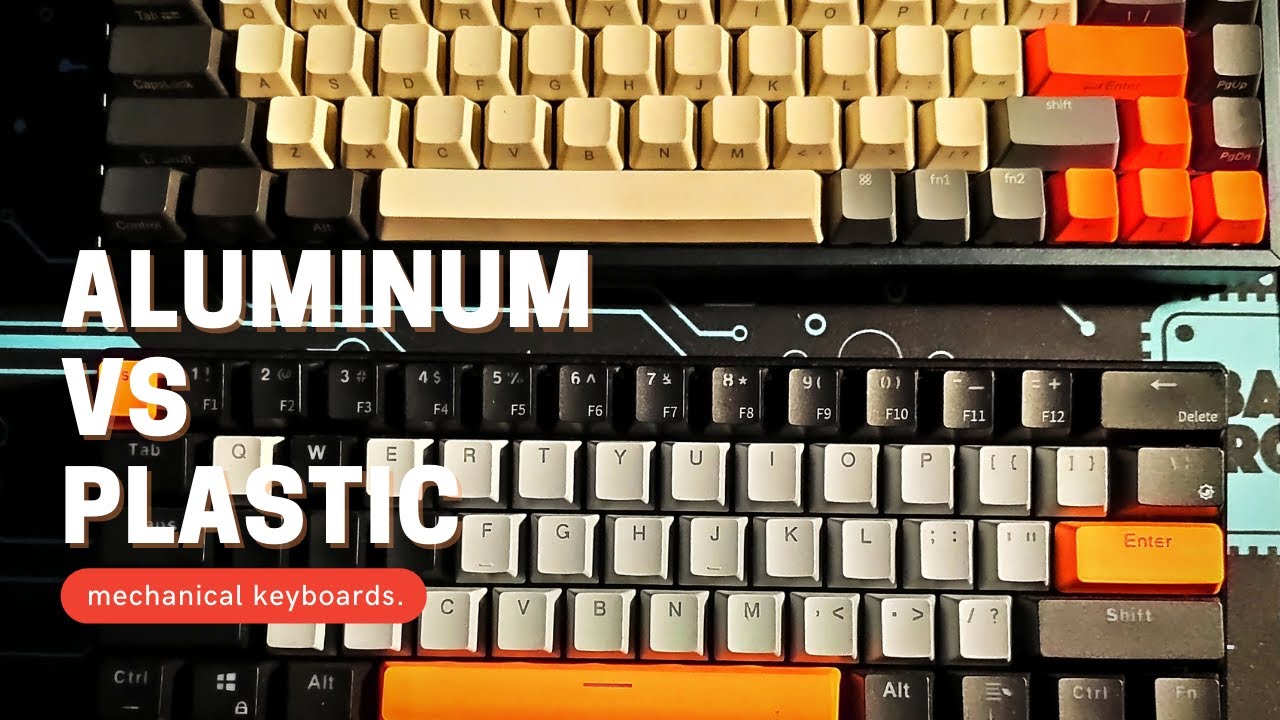
The material choice for your foldable travel keyboard directly impacts its lifespan and typing experience. Plastic housings common in budget models develop stress fractures at fold points after months of regular use, while aluminum alloy shells maintain structural integrity through thousands of folding cycles. Aluminum provides critical rigidity that prevents key wobble during typing—a subtle but significant factor in maintaining typing speed and accuracy. The premium feel isn’t just aesthetic; it translates to a more stable typing platform that doesn’t flex or bounce with each keystroke.
How Aluminum Prevents Common Foldable Keyboard Failures
Plastic foldable keyboards frequently fail at the hinge points where repeated folding creates stress concentrations. Aluminum alloy distributes this stress more evenly, resisting the cracks that eventually render plastic models unusable. The metal construction also better withstands impacts from drops or being packed in luggage, protecting internal components that plastic housings often fail to shield. During travel, this durability means your keyboard survives the inevitable bumps and jostles without compromising functionality.
Weight vs. Durability: The Aluminum Advantage
Contrary to expectations, aluminum alloy keyboards often weigh less than their plastic counterparts while offering superior strength. The Geyes model demonstrates this engineering balance with a folded thickness of just 0.71 inches and weight under one pound—light enough to carry daily without burden, yet rigid enough to provide a stable typing surface. This weight-to-strength ratio makes aluminum the ideal material for travelers who need reliability without bulk.
Tri-Fold Design: How Engineering Achieves Full-Size Typing in Pocket Dimensions

The tri-fold mechanism represents the perfect compromise between portability and usability, collapsing the keyboard into one-third its operational footprint while maintaining standard key spacing. Unlike single-fold designs that create awkward long, narrow rectangles, the three-section approach folds into a compact square that fits within standard backpack compartments or larger jacket pockets. The folded dimensions of 8.78 inches long by 5.91 inches wide make it smaller than most smartphones in landscape mode—truly pocketable for serious typing needs.
Preserving 85% Desktop Keyboard Spacing: Why It Matters
The critical engineering achievement in quality foldable keyboards is maintaining over 85% of standard desktop key spacing when unfolded. This specification isn’t arbitrary—touch typists rely on millimeter-precise finger positioning developed over years of practice. Keyboards that preserve this spacing allow instant transition without relearning finger placement, maintaining your established typing speed and accuracy. Budget models that sacrifice spacing force conscious attention to key positions, eliminating the productivity gains the keyboard should provide.
Integrated Kickstand: Eliminating Separate Viewing Accessories
The built-in kickstand solves a problem most users don’t anticipate until they need it: positioning your device at a comfortable viewing angle while typing. Rather than carrying separate tablet stands or propping devices awkwardly against books, the integrated stand extends from the keyboard housing to securely hold smartphones and tablets. This thoughtful integration reduces the equipment you need to carry while ensuring your viewing device stays perfectly positioned during typing sessions.
Dual Bluetooth Channels: Seamless Switching Between iPhone and iPad
The dual Bluetooth channel capability transforms how you work across multiple devices by maintaining simultaneous connections to two devices without constant re-pairing. Business travelers can draft documents on their iPad while keeping their iPhone connected for messages, switching between them with a single keypress. This feature eliminates the frustrating workflow interruption of disconnecting and reconnecting when you need to check notifications or respond to urgent communications.
Compatibility Across Generations: Works with iPhone 11 Through 15 Pro Plus
Quality foldable travel keyboards support device ecosystems across multiple generations, working with iPhone models from the 11 through the latest 15 Pro Plus, various iPad models including the mini 4, and Samsung Android tablets and smartphones. This broad compatibility proves essential for users within mixed-device households or those who upgrade devices incrementally while maintaining older models for specific purposes. Before purchasing, verify compatibility with your specific devices—especially older models that might fall outside standard support ranges.
Automatic Power Management: Never Arrive to a Dead Keyboard Again

The intelligent power management system addresses the most common frustration with portable keyboards: arriving at your destination only to find the battery depleted from storage. Automatic on/off functionality detects typing activity, powering up when you begin typing and entering sleep mode after minutes of inactivity. This eliminates the need to remember manual power switches while extending usable battery life significantly compared to always-on alternatives.
First Hour Charge: Why Skipping This Step Causes Early Failures
Manufacturers recommend charging your foldable travel keyboard for one full hour before first use—a step many users skip with consequences. This initial charge establishes the battery’s calibration cycle, ensuring accurate power level reporting and optimal performance. Skipping it often leads to premature power-off during initial setup or first use, creating the false impression of a defective unit. The red charging indicator provides essential visual feedback, turning off when charging completes—never guess at charging status.
Business Traveler’s Secret Weapon for Airport Productivity
The compact folded dimensions transform how business travelers utilize otherwise unproductive time. Airport lounges, train stations, and waiting areas become functional workspaces where you can compose professional correspondence without the awkwardness of virtual keyboards. The aluminum construction maintains a professional appearance during client-facing situations, while the silent keypresses avoid disturbing fellow travelers during flights or in quiet spaces.
Student-Approved Note Taking: Capture Lectures Without Hand Cramps
Students across academic levels report doubling their note-taking speed with foldable travel keyboards compared to handwriting or virtual keyboards. The preserved key spacing allows rapid transcription of lectures while maintaining proper posture, eliminating the hand cramps from cramped alternatives. The compact size means students carry it between classes alongside regular materials without adding burden, turning lecture halls and libraries into highly productive environments.
Cleaning Your Foldable Keyboard: 3 Mistakes That Damage Hinges
Proper maintenance extends your keyboard’s lifespan while preserving typing performance. Avoid these common cleaning mistakes that damage foldable mechanisms:
- Forced folding during cleaning – Always unfold completely before cleaning to prevent debris from grinding into hinge mechanisms
- Excessive moisture near folds – Use only slightly dampened cloths away from hinge areas; moisture accumulation in folds causes corrosion
- Compressed air directly into folds – Blasts debris deeper into hinge mechanisms; instead, hold the keyboard at an angle while using short air bursts
Use a soft, dry cloth for regular cleaning, and reserve compressed air for clearing debris between keys—not near the folding joints. Store your keyboard in a protective case when not in use to prevent scratches and impacts that accumulate during transport.
12-Month Warranty: What’s Covered and What’s Not
The manufacturer’s warranty provides essential protection during the critical early ownership period. Reputable brands offer 12-month coverage against defects in materials and workmanship, including hinge failures, key malfunctions, and battery issues that occur under normal use. Warranties typically exclude damage from accidental drops, liquid exposure, or improper cleaning methods. Before purchasing, verify the warranty process and whether it requires returning the entire unit or offers local service options—critical considerations for travelers who might be abroad when issues arise.
A quality foldable travel keyboard delivers what no virtual keyboard can: professional typing speed and accuracy in a device that genuinely fits in your pocket. The aluminum construction, preserved key spacing, and intelligent power management transform how you work on mobile devices, turning otherwise unproductive time into valuable output. When selecting your model, prioritize construction quality over price—premium keyboards deliver years of reliable service that far outweighs the minor cost difference compared to budget alternatives that fail prematurely. Keep your keyboard charged, clean it properly, and store it protected, and you’ll maintain peak typing performance wherever your work takes you. For anyone who regularly types on mobile devices, a well-chosen foldable travel keyboard isn’t just convenient—it’s essential productivity infrastructure.